

Notion Documentation
Welcome to the Hipporello Service Desk for Notion Documentation
Welcome to the Hipporello Service Desk documentation for Notion. This guide is designed to help you set up, configure, and use Hipporello effectively, no matter how your team handles requests. From internal IT and HR support to customer inquiries and cross-team service management, you’ll find everything you need to build a smooth and reliable workflow.
With Hipporello Service Desk, Notion becomes a centralized hub for handling requests from start to finish. Requests can be submitted through forms or email, conversations stay connected to each ticket, repetitive tasks can be automated, and all work is neatly organized within your Notion databases.
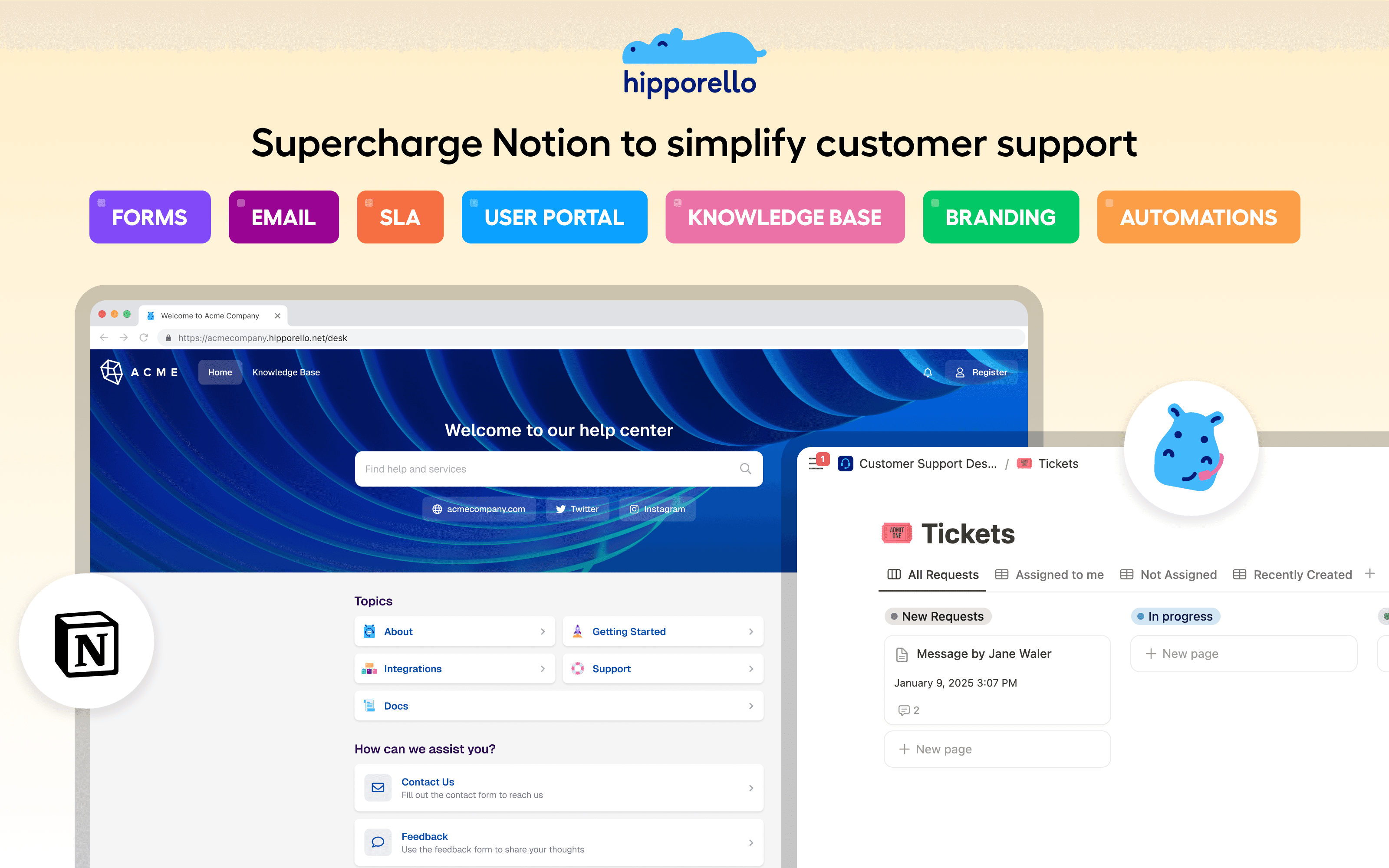
Inside this documentation, you’ll learn how to:
Design request forms and define intake channels
Integrate shared email inboxes
Track and manage conversations with requesters
Build automations to streamline your processes
Personalize your portal’s branding, layout, and domain
Each section includes clear, step-by-step instructions to help you adapt Hipporello to your team’s unique needs. By the end, you’ll be ready to deliver a consistent, well-organized support experience, fully powered by Notion.
Any other questions? Get in touch