

Notion Documentation
Collecting Notion database items through forms
This section describes how to use Service Desk forms to gather customer requests and inquiries. Every submission made through your user portal is automatically recorded as a structured entry inside Notion, allowing teams to manage incoming requests within a centralized workspace.
Follow the steps below to improve request intake and workflow organization:
Create a Form
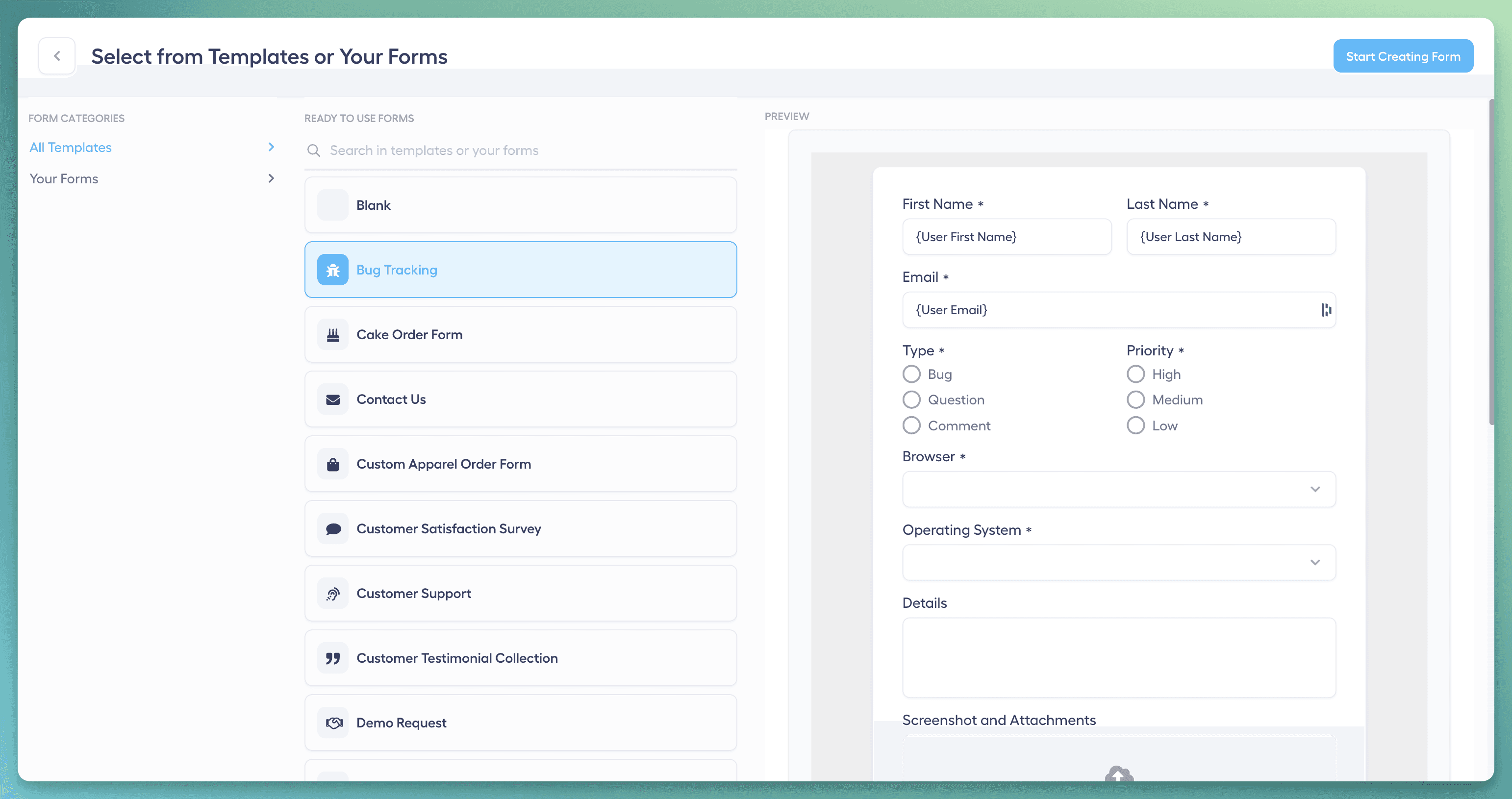
Start by selecting one of the available templates or build a new form from scratch. This flexibility allows you to design request forms tailored to your operational needs and the type of information you want to collect.
Customize Input Fields
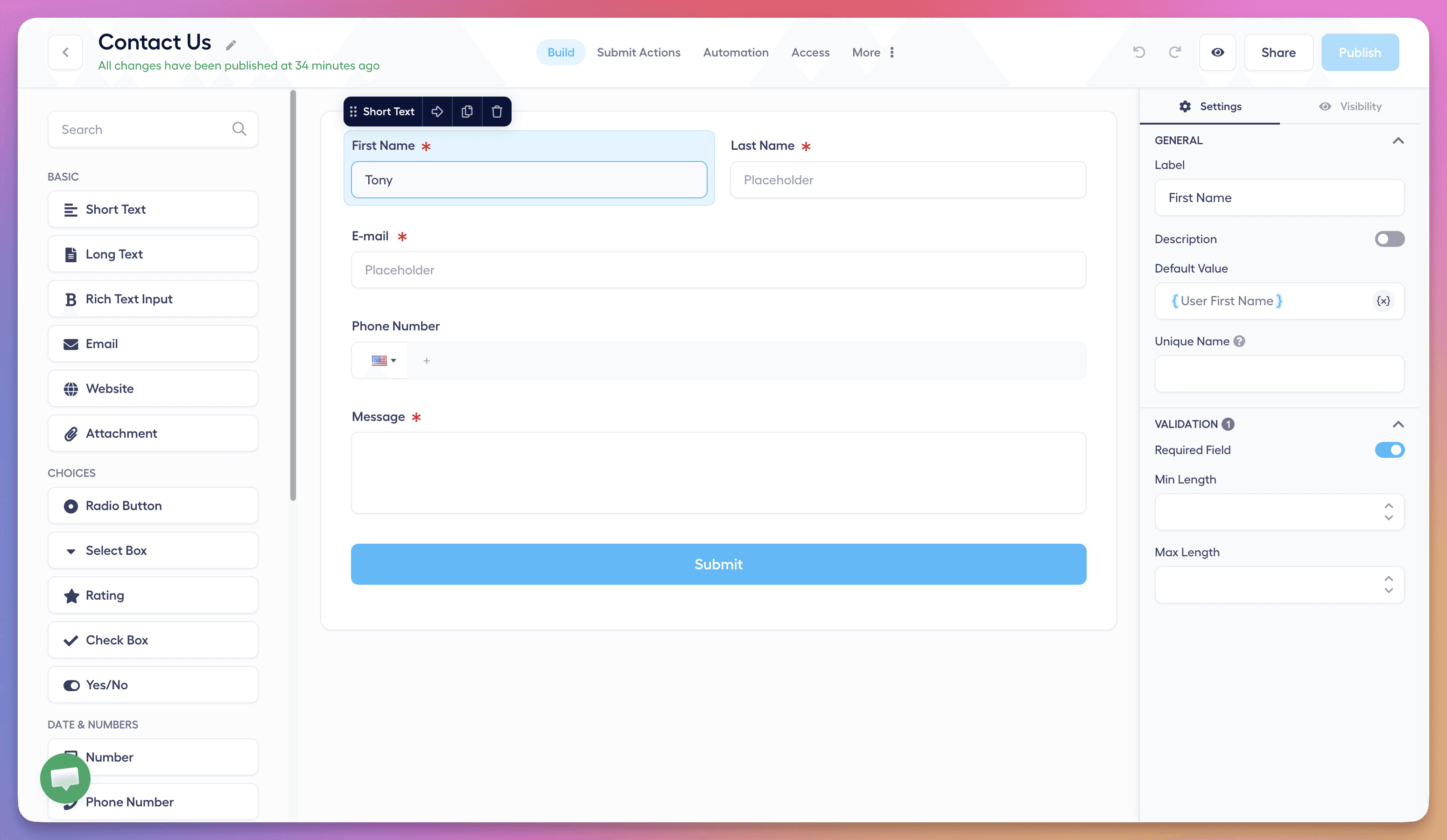
Add custom input fields to capture the exact details required for processing requests. Structured submissions ensure that each Notion entry contains the relevant context your team needs to take action quickly.
Set Access Controls
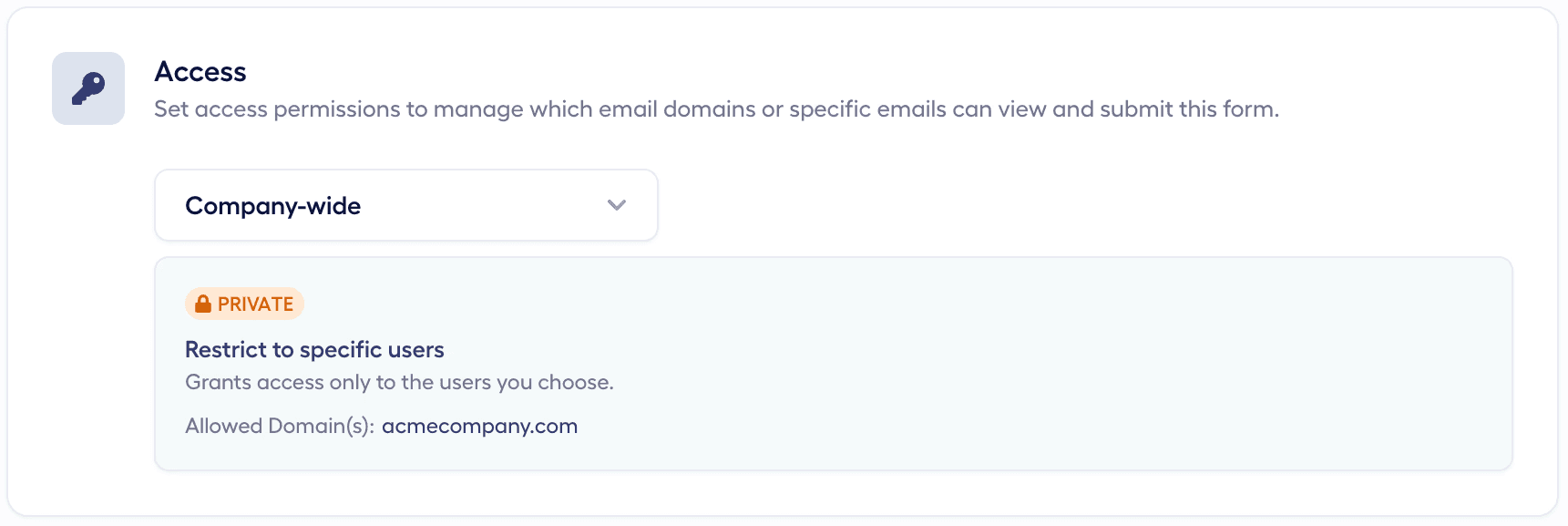
Define who can access and submit your forms by configuring permission settings. This helps maintain data security while ensuring the right audiences can submit requests.
Embed Forms on Your Website (Optional)
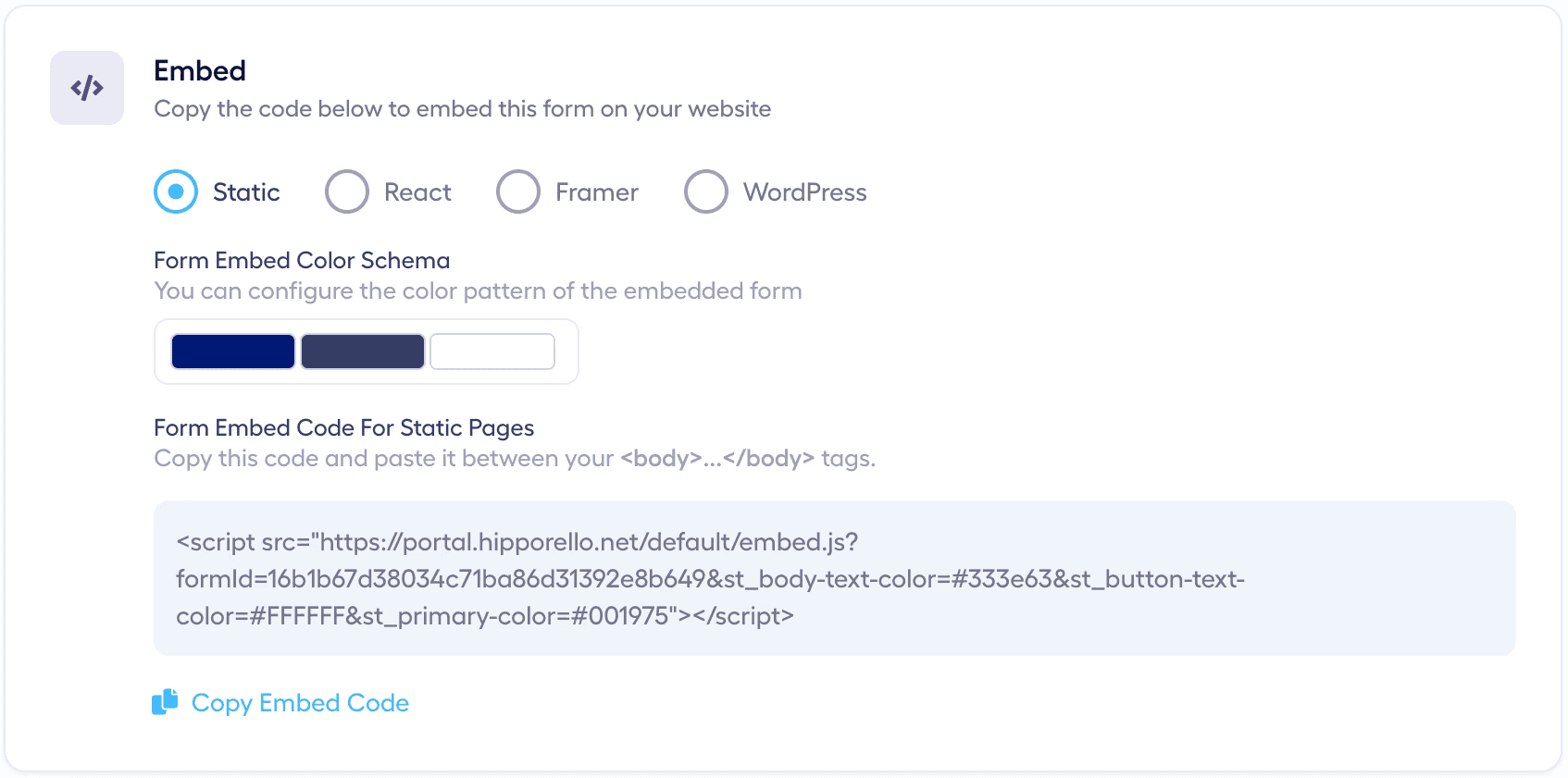
Hipporello forms can be embedded directly on your website or platforms such as Framer, Shopify, Wix, or WordPress. Multiple forms can be placed across different pages, and each submission will automatically create a corresponding record in Notion for your team to handle.
Notifications
When a form is submitted, relevant stakeholders including the portal owner, the assigned agent, and collaborators receive email notifications, ensuring that every new request is reviewed without delay.
Submission Details
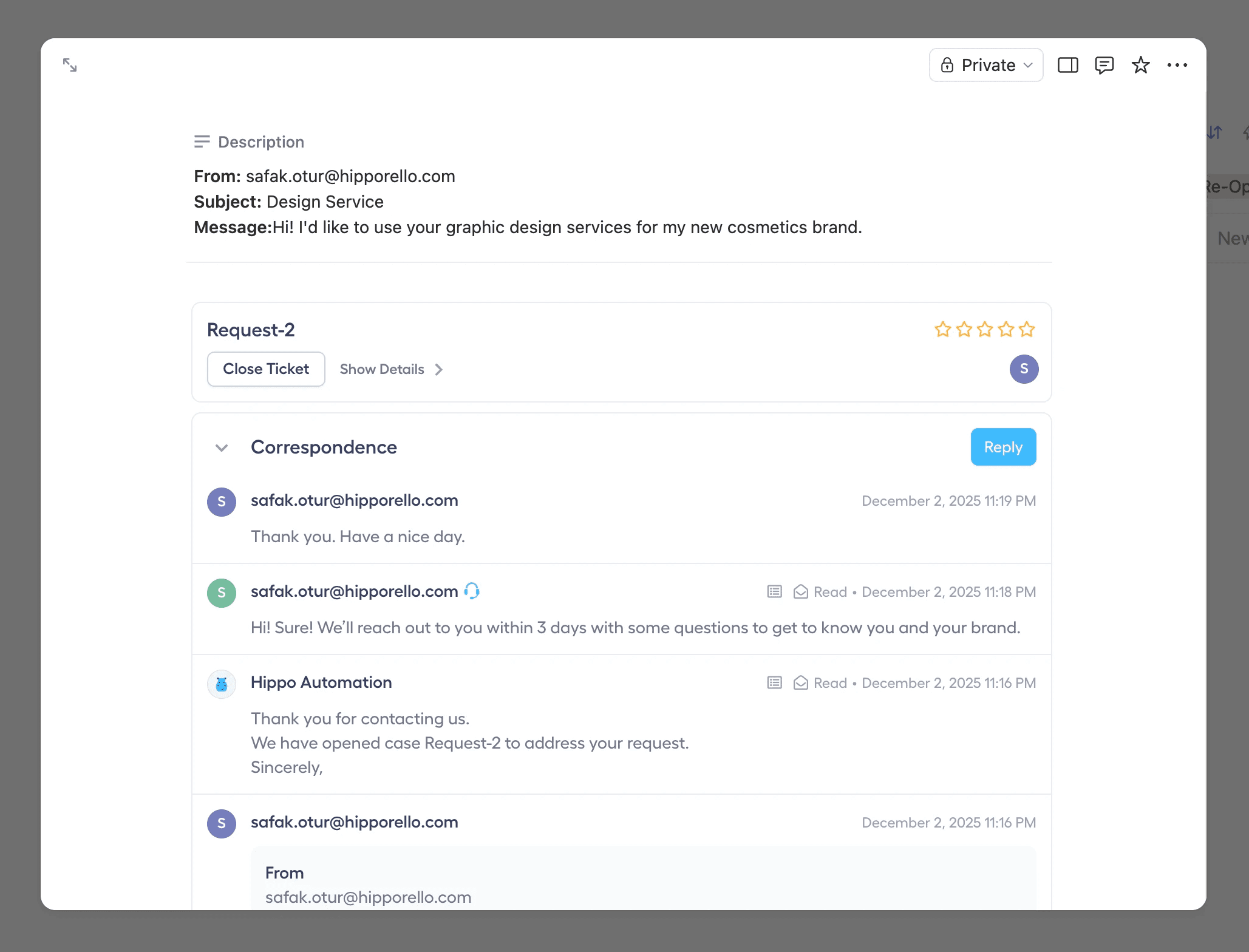
Each entry created from a form submission contains detailed metadata such as the user’s country, IP address, browser type, and submission source. Teams can review these details directly within the request record and add internal comments for collaboration.
Direct Communication
Teams can communicate directly with the requester from within the request record using Hipporello’s conversation features or by replying to notification emails.
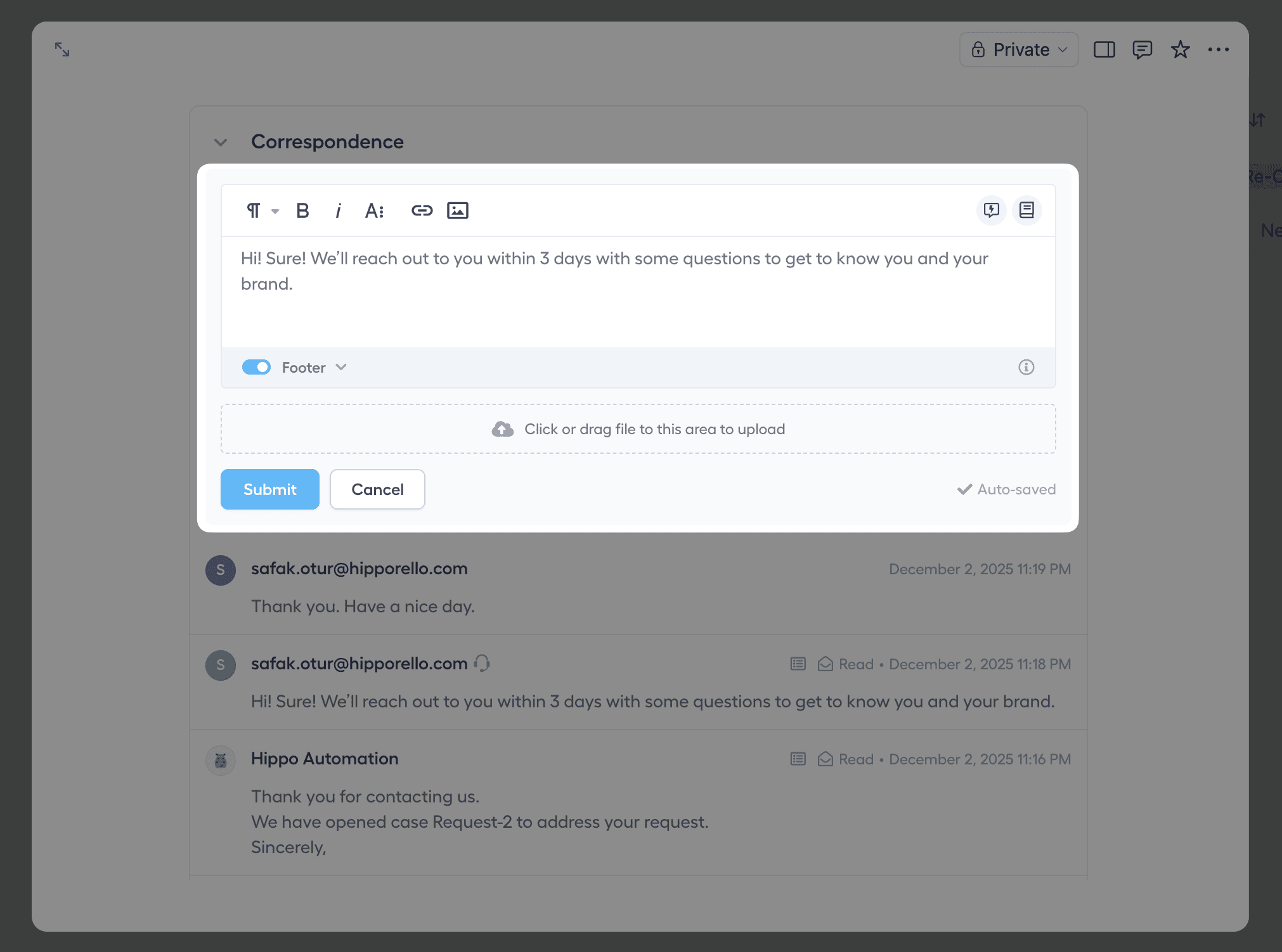
This enables teams to:
Ask follow-up questions
Request missing information
Send automated or templated responses
Using quick texts and automated messages helps maintain consistent communication while reducing repetitive manual work.
By implementing structured form-based intake, teams can efficiently capture, track, and manage requests inside Notion while maintaining a clear and organized service workflow.
Any other questions? Get in touch