

Monday Documentation
How to Collect Requests Through Forms in monday.com
This guide explains how to use Service Desk forms to collect customer requests and inquiries. Each submission made through your User Portal creates an item on a monday.com board, so the request is logged and ready to be worked on. The board has to be connected to Hipporello Service Desk already.
Create a Form
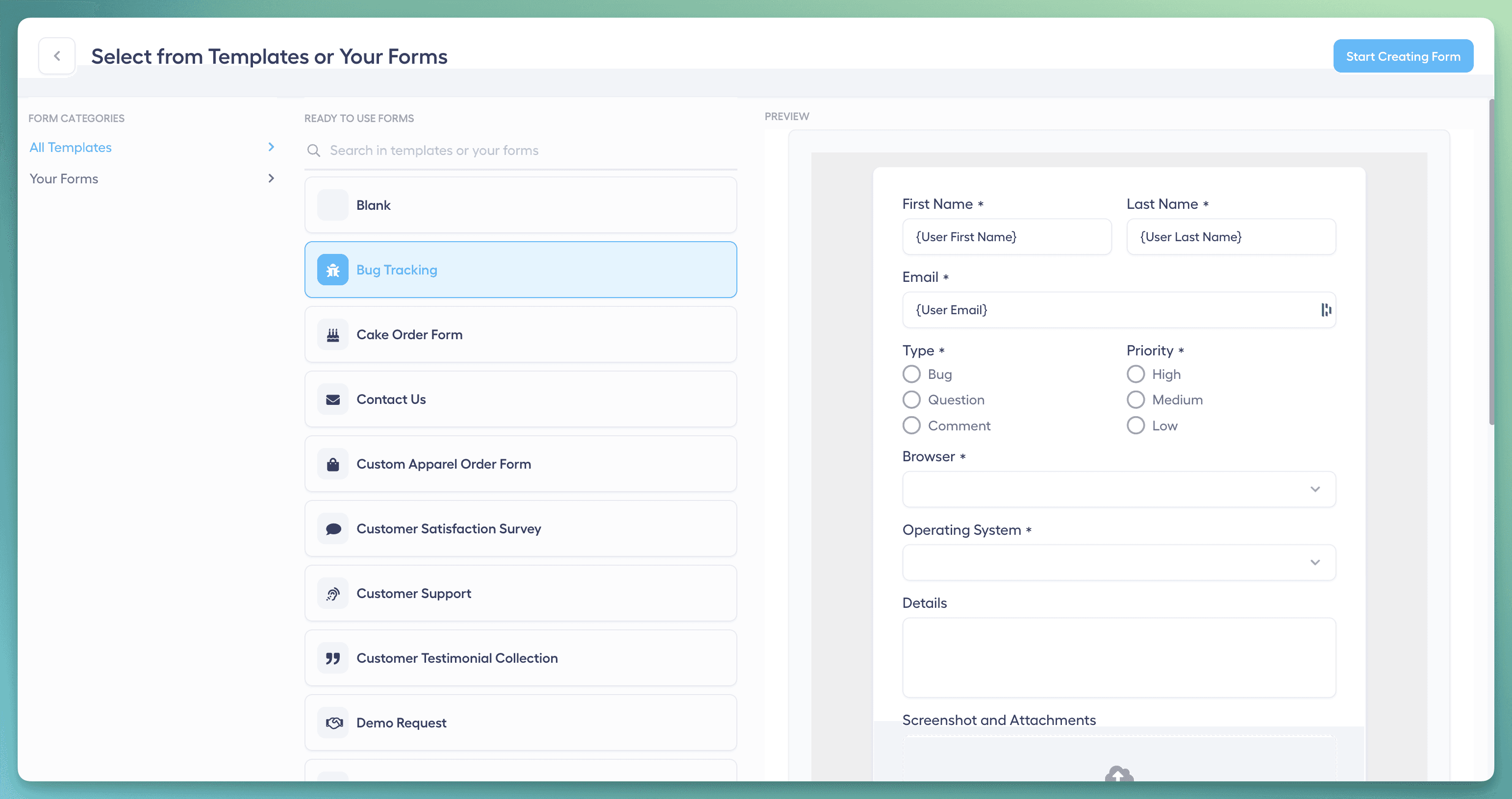
Pick one of the available templates or build a new form from scratch. Templates are a quick way to standardize common request types. A custom form lets you shape the intake around how your organization works.
For each form you select the monday.com board where items are created. Only boards connected to your Service Desk are listed. You also choose the group the item lands in and set the item name. Column values such as people, tags or status can be filled in too (see mapping form data to columns). The submission details are posted as the first entry in the item's Updates.
Customize Input Fields
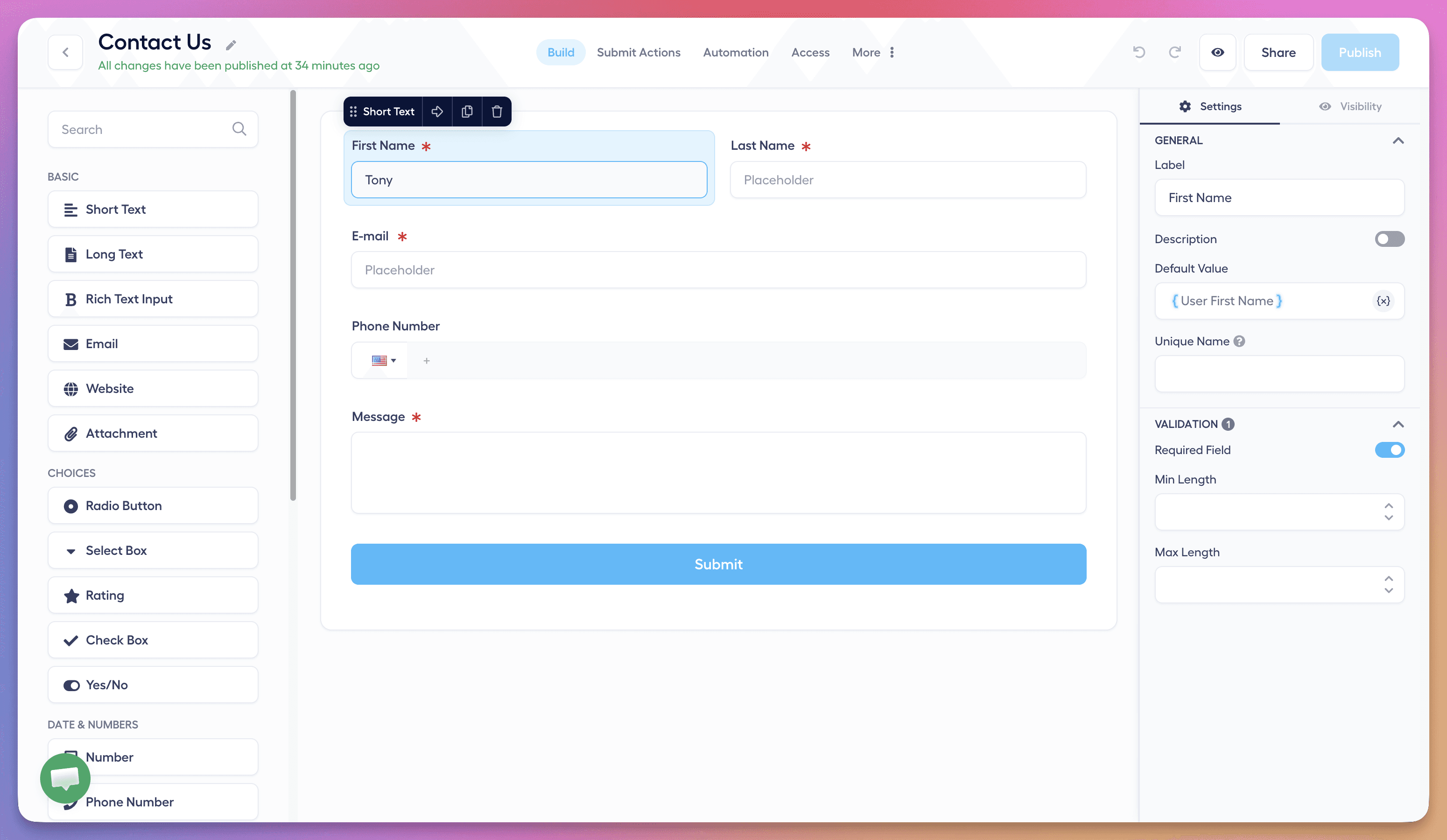
Add the fields you need to capture the information required to process a request. An input can save its value straight into a column on the monday.com item, and choice options can be pulled from that column. For details, see How to Map Form Data to monday.com Columns.
Set Access Controls
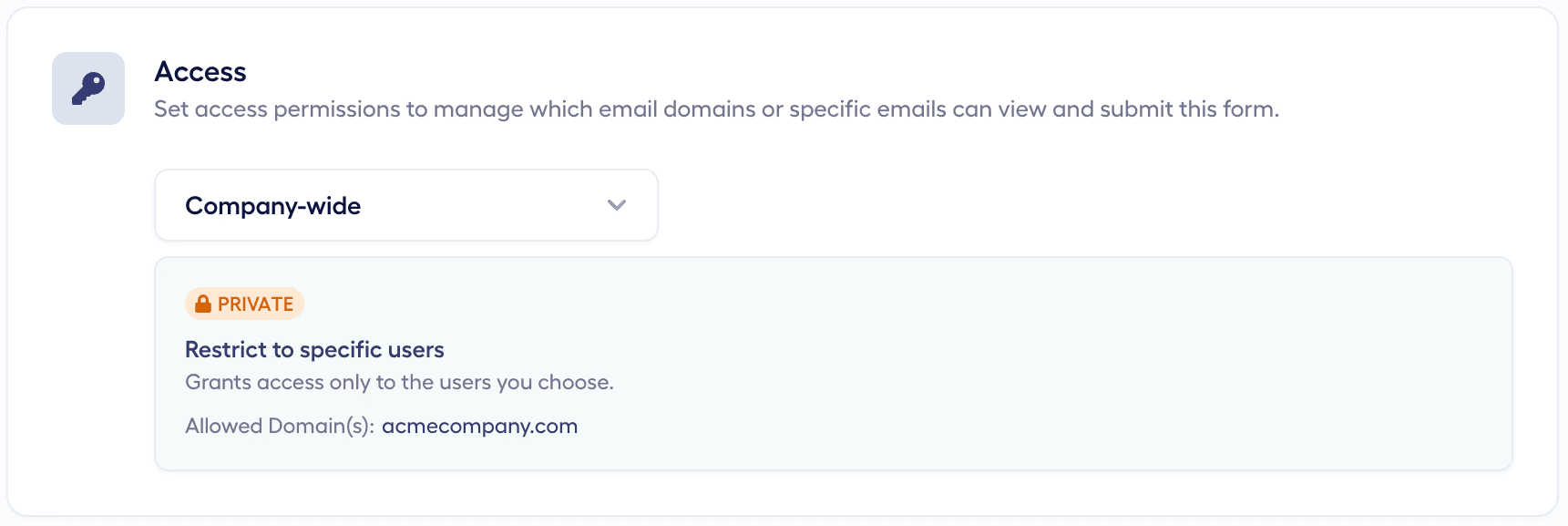
Decide who can view and submit each form by configuring its access permissions. A form can be public or private, and private forms are part of the Premium plan. More on this in Portal Access Management for monday.com.
Embed Forms on Your Website (Optional)
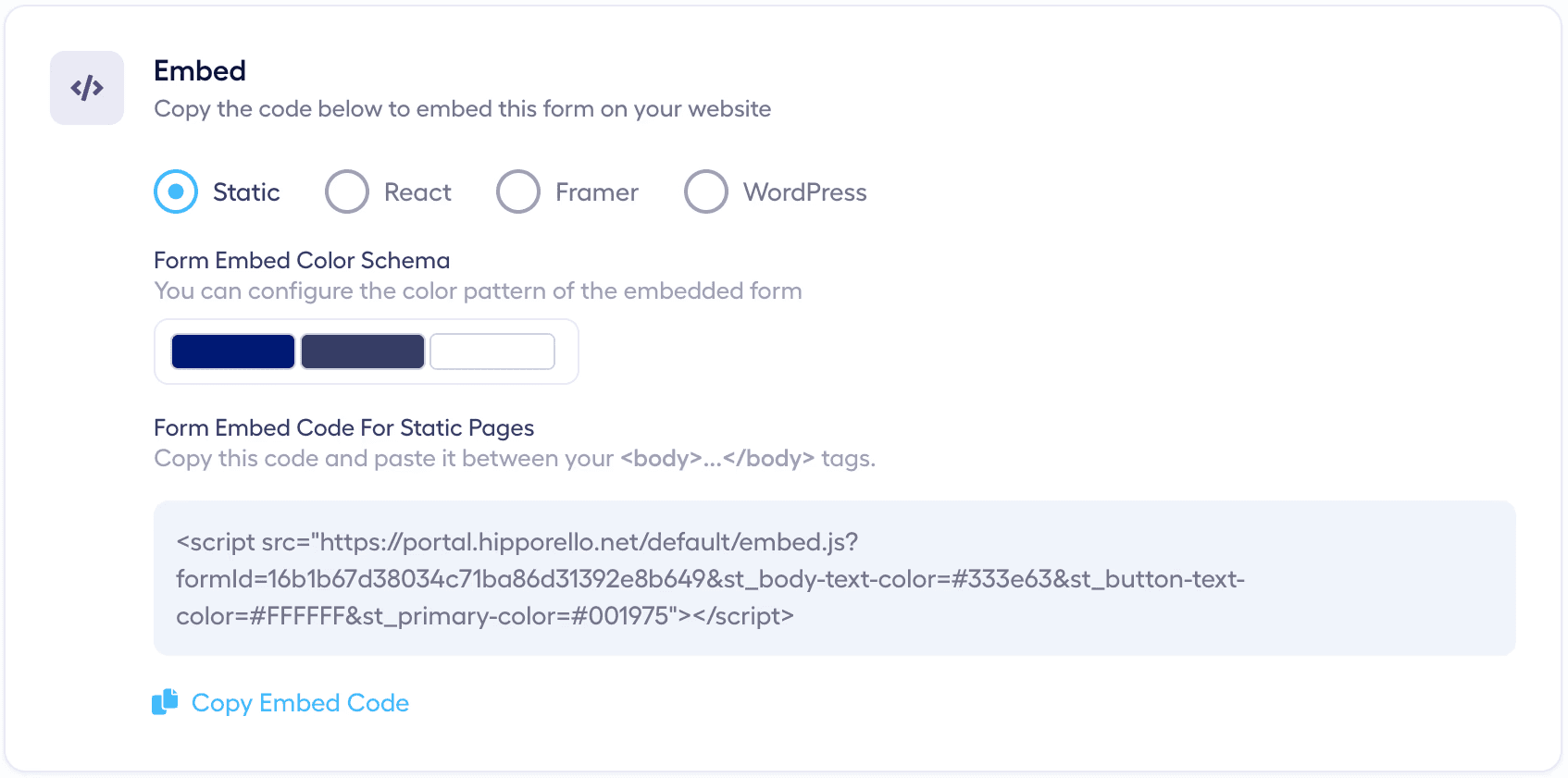
Hipporello forms can be embedded on websites and on platforms such as Framer, Shopify, Wix, or WordPress. You can place several forms on different pages, and each submission creates an item on the form's monday.com board.
Notifications
When a form is submitted, team members can be notified by email. Each member chooses what they receive in notification preferences.
Submission Details in Items
Each request created from a form carries submission metadata such as the requester's country, IP address, browser type and submission channel. Updates your team posts on the item stay internal unless they are sent as a reply, so you can coordinate privately before answering.
Direct Communication
To answer the requester from monday.com, a team member types #reply followed by the message in the item's Updates section. Replies from the requester come back to the same request. The other commands are covered in monday.com Item Management Using Text Commands.
Any other questions? Get in touch