

Monday Documentation
Customizable User Portal for monday.com
The User Portal is a dedicated website where your end users find and submit the forms you publish for service requests, support questions or internal requests. Visitors land on a homepage that lists your forms, pick the one that fits and fill it in.
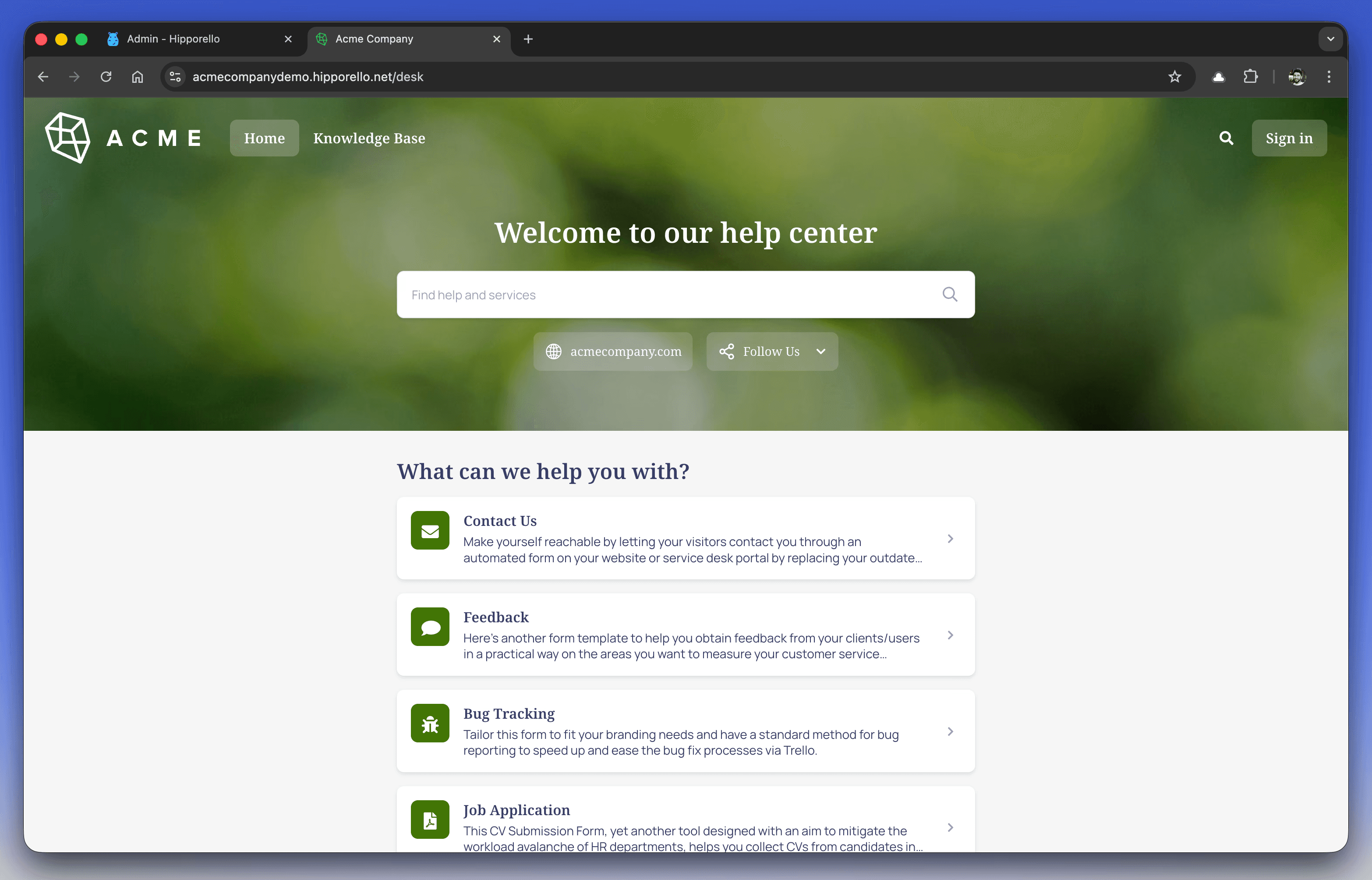
Each form submission creates an item on a monday.com board, so every request ends up in the same place. Your team then works on it there, with the groups and columns the board already has.
You can also shape the portal to your needs: match its look to your brand, decide who can access it, and choose how forms are presented on the homepage.
How to Access Your Hipporello User Portal
Once Hipporello Service Desk is set up, there are two ways to see your portal the way a visitor does:
Direct Access
Type your portal address into the browser.
The default format is: yourportalname.hipporello.net
Via the Admin Panel
Go to admin.hipporello.com and open User Portal in the left menu. From there you can preview and manage the portal.
Key Features of the Hipporello User Portal
Pre-Published Forms
Hipporello Service Desk publishes default forms at installation, so you can start collecting requests right away. They cover common request types and can be used as they are or edited.
Full Control Over Forms
You can add forms for specific request types and edit the existing ones as your process changes. Forms you no longer need can be removed, so the portal only shows what you offer.
Customization Options
The portal design can be adjusted to your brand identity, including:
Colors
Fonts
Logo
Form titles and descriptions
The full list of settings is in How to Customize User Portal for monday.com.
Automated Workflow Integration
Every submission creates a monday.com item that carries the submitted data. Your team picks the request up from there, on the board.
Any other questions? Get in touch