

Trello Documentation
Welcome to the Hipporello Service Desk for Trello Documentation
Welcome! This guide explains how to set up and use Hipporello Service Desk with Trello. This guide will help you configure your workflow quickly and efficiently when you are building an internal help desk, managing customer support, or collecting operational requests through emails or forms.
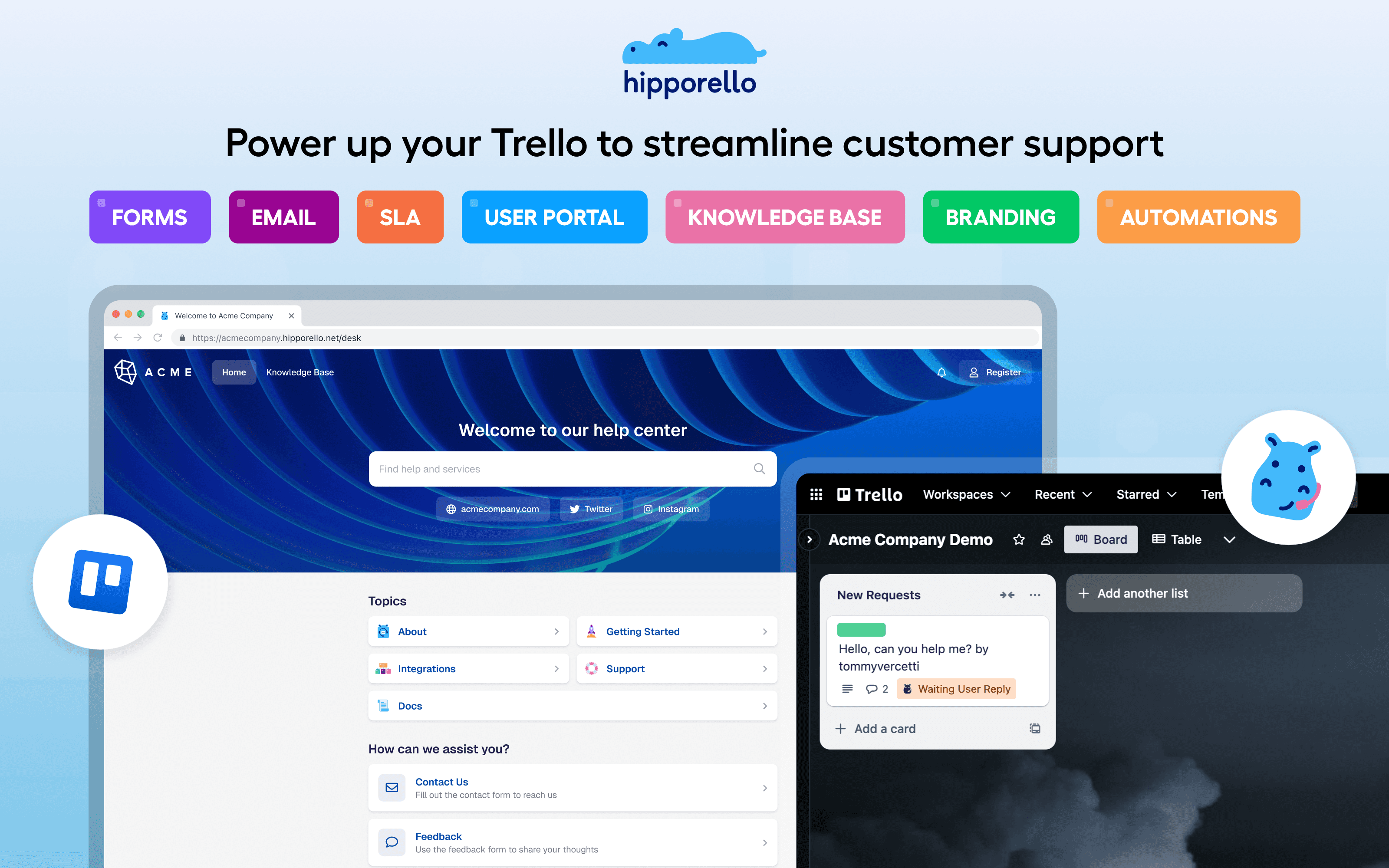
Hipporello Service Desk extends Trello into a full request management system where incoming requests are captured, processed, and tracked as Trello cards. Through user portals, email integrations, and automation capabilities, teams can maintain a consistent intake and resolution workflow.
Inside this documentation, you’ll learn how to:
Set up your User Portal
Customize forms and emails as ticketing channels
Connect email inboxes
Manage communication with requesters
Configure automations and workflows
Customize your portal’s design and domain
Follow the step-by-step guides to configure Hipporello according to your team’s needs and deliver a seamless support experience.
Any other questions? Get in touch