
Turn monday.com into a customer ticketing system

Hipporello turns monday.com into a ticketing system for customer requests.
Forms and support emails become items on your monday.com boards; your team replies back and forth without leaving monday.com; external requesters get a branded portal, and they don’t need a monday.com seat.
No credit card required
All you need is a monday.com account
How to use monday.com as a ticketing system
Install Hipporello’s Service Desk on your monday.com account
1
Set up forms and emails that instantly create items on your boards
2
Receive form fills and email messages as monday.com items
3
Communicate with clients directly from your monday.com items
4
Handle customer requests in monday.com
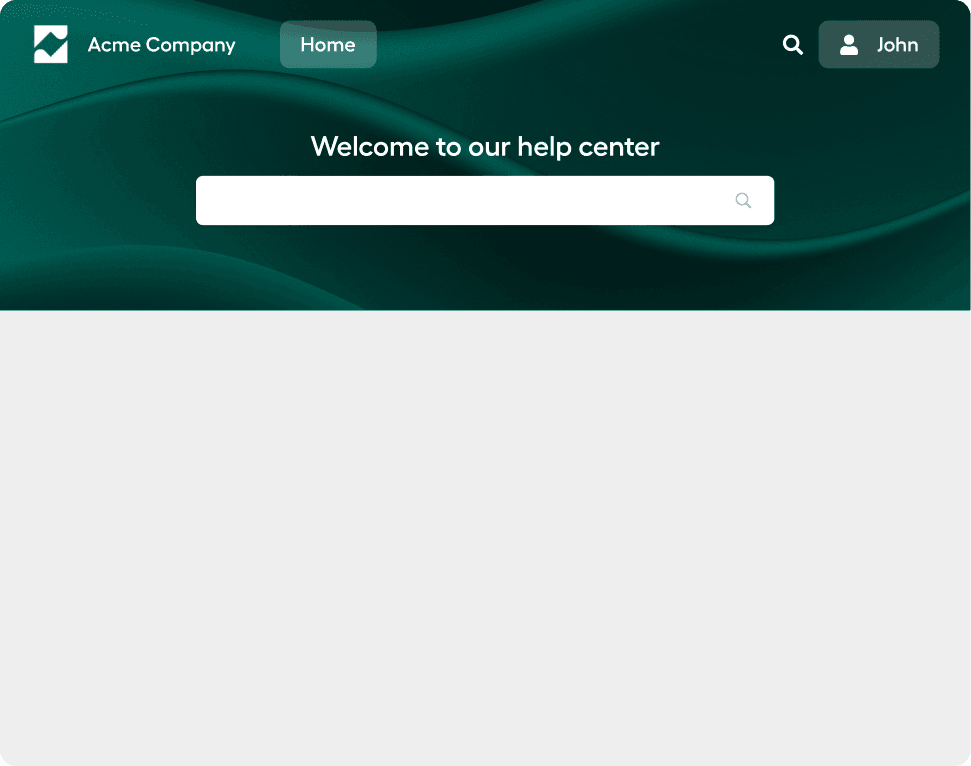
A branded customer portal for monday.com
Enable interaction between your end-users and your support team easily with a unified portal that integrates directly with your monday.com boards.
Turn monday.com into your central hub for handling support operations, making it easier for your team to track, manage, and respond to every request.



Turn form responses into actionable monday.com items automatically
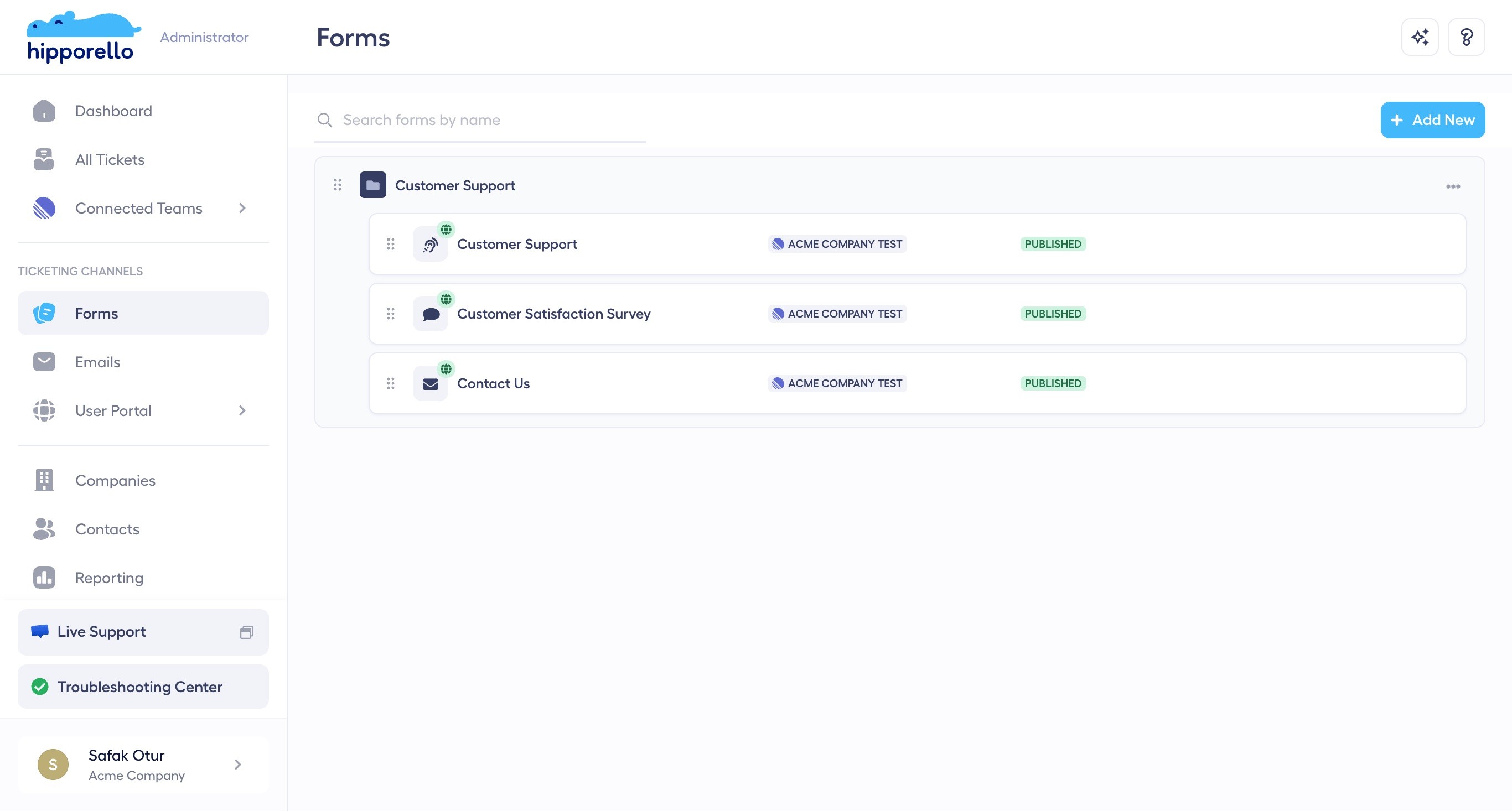
Allow your end-users to interact with your company through the forms on your Hipporello portal. Each submission creates a new item on your monday.com board for you to handle.
Create and edit forms that add items to your boards upon submission. Manage submissions and back-and-forth communications in monday.com as a team.
Streamline support operations with the Knowledge Base Add-on
Provide users with instant access to information by adding support articles to your user portal using the Knowledge Base Add-on.
Enable your team to concentrate on more complex problems while users find answers to common questions 24/7.


Combine all your support emails into one unified inbox, and make it easier for your team to manage and respond to customer inquiries.
Ensure that every request is addressed and resolved efficiently by keeping track of the status of each support item on your monday.com boards.
Support processes do not have to be complex.
Get a lightweight service desk solution that is easy to deploy, frictionless to use, and perfectly aligned with the way your teams already work in monday.com.
"Ease of Use" Capterra Recognition Backed by Our Customers


What is Service Desk for monday.com?
Install Hipporello Service Desk on your monday.com account and offer internal and customer support using multiple intake channels like user portal, forms, and emails, as well as automations. Watch the video for details.
What are the features of the Service Desk for monday.com?
The Service Desk offers features designed to make ticketing and customer support a breeze:
Built-in communication module
Respond to requesters right from the monday.com item without switching to another tool.
Reports & Analytics
Gain insights into ticket resolution times and overall performance with detailed reports and analytics.
Integrated ticketing system
Manage and track support requests from submission to resolution within monday.com with your team.
Real-time updates
Keep your team and end-users informed with instant notifications and updates on the status of support tickets.
User Access Control
Customize access permissions to ensure that the right users can view and submit requests securely.
Intuitive Form Builder
Form creation is a breeze with our drag-and-drop form builder.
Automations
Automate messages that will be sent upon submission and other actions by using the easy-to-use automation builder.
Self-Service Support
Reduce users' reliance on direct support interactions by empowering them with the portal access and the Knowledge Base Add-on.
24/7 Availability
Ensure users have access to support information at any time, even outside business hours.
Pricing
Don't just take our word for it. Hear it from our customers.

Can I use monday.com as a ticketing system?
Absolutely! monday.com can be effectively used as a ticketing system. Hipporello’s Service Desk natively integrates with monday.com. It provides users with a full-functional ticketing system that offers a customer portal, email and form integrations, form builder, automations and more. Teams can manage incoming requests on their boards and respond to them in an organized manner.
Does Hipporello’s Service Desk for monday.com offer a client portal?
Yes, Hipporello’s Service Desk for monday.com includes a client portal feature. This provides a structured way for clients to submit tickets, track the status of their requests, and access FAQs or knowledge bases. The client portal facilitates improved communication and transparency between your team and your customers.
How does this differ from monday.com’s built-in WorkForms?
monday.com WorkForms are a great way to collect submissions as new items on a board, but they don’t give requesters a branded portal to track their requests or a two-way conversation with your team. Hipporello’s Service Desk adds the external customer layer: a branded portal, public forms, email-to-item routing, knowledge base, and two-way communication. Everything syncs back to your monday.com items.
How can I install Hipporello's Service Desk?
To install the Service Desk on your monday.com account, follow these simple steps: (1) Click “Get Started” on the top right corner. (2) Authorize access to your monday.com account and grant the necessary permissions. (3) After installation, configure the Service Desk settings according to your needs, including form creation, ticket management, and automations. You’re now ready to manage support tickets directly within monday.com.
Is there a cost for the Service Desk for monday.com?
Hipporello offers flexible pricing plans. We have both free and paid options depending on your usage needs, such as the number of tickets, team members, and advanced features. The free plan and the paid plans both start with a 14-day free trial, allowing you to discover all the advanced features without limits.