


Hipporello Service Desk Blog


Jira
Jira Ticketing System: How to Set One Up in the Jira You Already Use
Jira already works as a ticketing system. Here's how to open it to customers with email, forms, and a portal, without adding Jira Service Management.

Asana
How to Set Up an Asana Client Portal (Without Giving Clients Seats)
Asana has no native client portal, and guests need accounts and invites. Add a branded portal where clients submit and track requests without Asana seats.

Linear
Linear Asks Alternative: Handle Customer Requests in Linear
Linear Asks handles workplace requests. For customer requests, Hipporello turns emails and forms into Linear issues you can reply to from the issue.
Asana
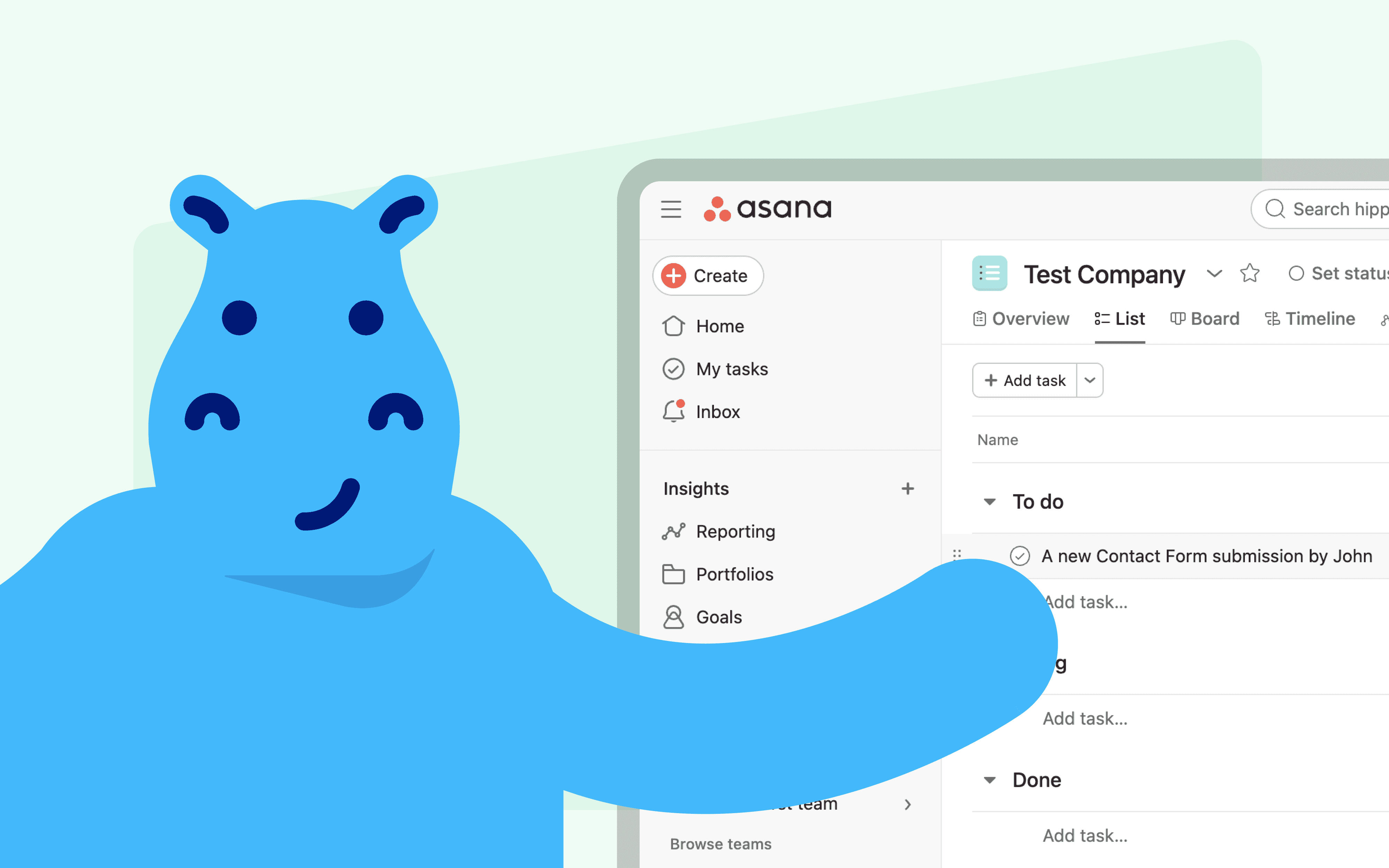
Asana Ticketing System: Build a Customer Portal and Service Desk
Turn Asana into a ticketing system with Hipporello. Collect requests through a branded portal, forms, and email, then manage each ticket as an Asana task.

Linear
How to Build a Linear Ticketing System with a Customer Portal
Turn Linear into a ticketing system: forms and support emails become Linear issues, your team replies from Linear, and customers get a branded portal.

What's New
Introducing New Ways to Manage Tickets and Control Access
Create and delete Hipporello service desk tickets faster from one central dashboard, and control user portal access with domain-level permissions.

General
Create a Service Desk That Feels 100% Yours: Deep Customization in Hipporello’s User Portal
Customize Hipporello's user portal with branded visuals, flexible homepage layouts, language options, and dynamic content blocks.

What's New
Introducing More Flexible Forms and Stronger Automations
New in Hipporello Service Desk for Trello, Asana, and Notion: more flexible forms, multiple automation actions, and cross-board and cross-project automations.

General
Meet the Dashboard: Custom Performance Reporting for Your Service Desk
Build custom reports for your service desk with Hipporello's Dashboard. Track tickets and workloads in Trello, Asana or Notion, and export insights as PDF.

Trello
10 Ways to Use Trello Forms to Simplify How You Do Business
Use Hipporello's forms for Trello and publish them on a user portal to meet your clients. Receive form fills into Trello to track requests with your team.

What's New
Meet the New Emails Section – Convert Emails into Tasks in Trello, Notion, and Asana
Connect your email accounts and turn emails into tasks in Trello, Notion, and Asana, with no forwarding rules or app passwords needed.

Trello
Transform Your IT Help Desk with Trello’s Powerful Ticketing System
Transform Trello into an IT help desk and ticketing system using forms, emails & automations, giving your IT staff complete control over managing queries.

What's New
Introducing "All Tickets" — Manage All Your Tickets in One Centralized View
The new All Tickets view in Hipporello Service Desk lets you manage tickets in one place without switching to Trello, Notion, or Asana.

What's New
Introducing Smarter Automations: Condition and Delay Support Now Available
Hipporello adds condition support for automation triggers and delay support for automations, giving you more control over your workflows.

What's New
New Features: Smarter Forms, Advanced Notifications, and Enhanced User Portals
Hipporello's latest updates: a smarter form builder, advanced notifications, enhanced user portals, and more ways to personalize your service desk.

Jira
A Jira Service Management Alternative That Keeps You in Jira
Jira Service Desk alternatives usually mean leaving Jira. Hipporello turns your existing Jira project into a support desk, right-sized for small teams.

What's New
New Feature Rollout: Change Request Owners, Link Knowledge Base Articles, and More
Explore new Hipporello features like request reassignment, Knowledge Base linking, and enhanced portal customization for a smoother support workflow.

What's New
Introducing enhanced control and flexibility for improved Service Desk experience
Here are the latest features in Hipporello’s Service Desk, including advanced request and contact management, and customizable profiles. Discover all now!
Notion
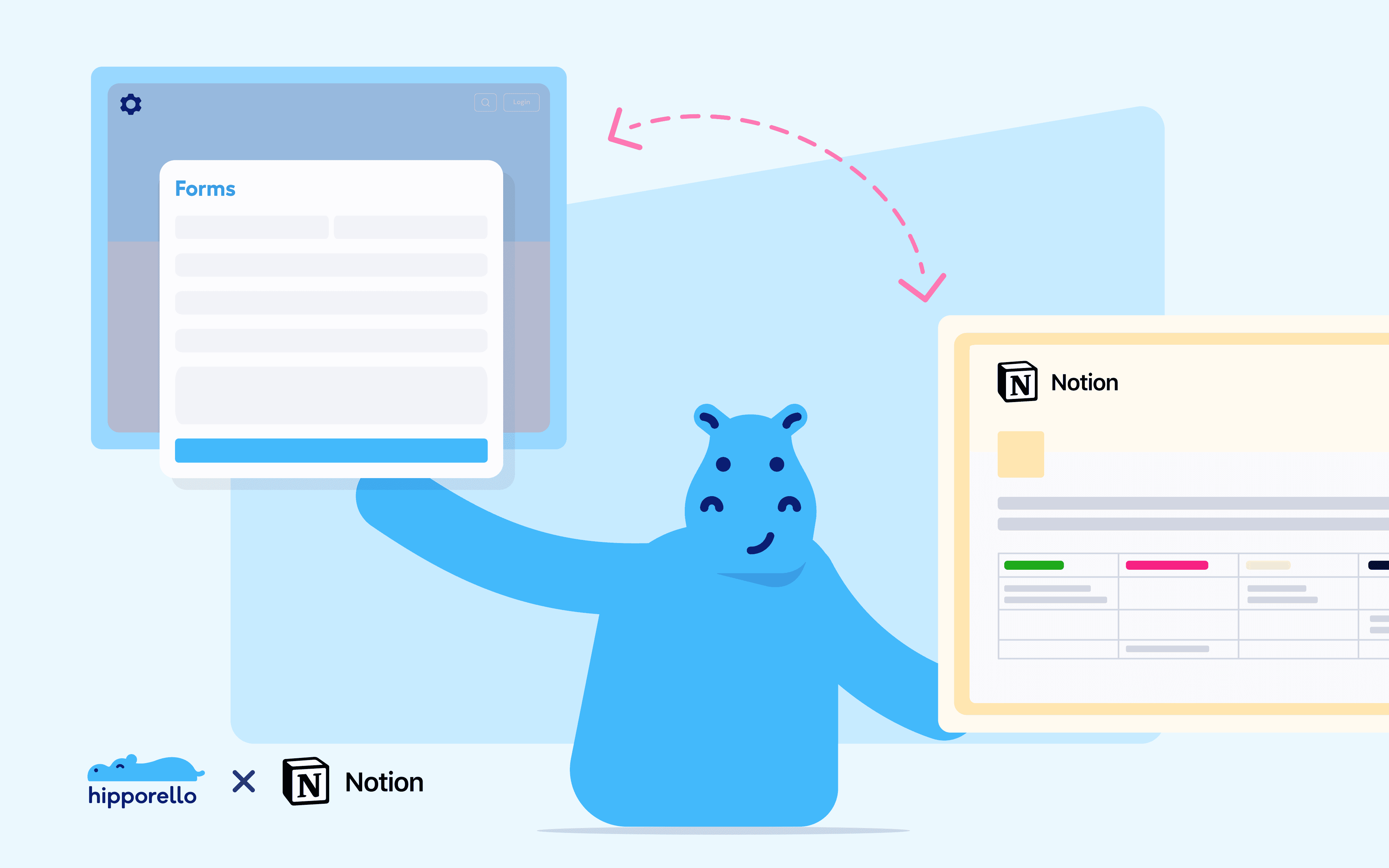
Effortless Data Collection: Forms in Notion
What are Notion Forms and how are they created? Learn all the details about Notion Forms right here. Click now to get informed!

What's New
Introducing the Knowledge Base Addon, form ordering and more
The latest update for the Service Desk and Marketing Requests Power-Ups for Trello introduces features such as the Knowledge Base addon and form ordering.

General
All About Hipporello: What is Hipporello Academy?
All the details and curiosities about Hipporello Academy are here! Click now to learn more about Hipporello Academy.

What's New
Introducing Single Sign-On (SSO) for Seamless User Portal Access
Your customers can sign up to Hipporello Service Desk User Portal using their Trello, Google or Microsoft accounts, which eases access to your user portal.

What's New
Introducing New Updates in the Advanced Approvals Power-Up
Hipporello's Advanced Approvals Power-Up allows Trello users to request and provide approvals, integrating non-Trello clients into the process.

What's New
Introducing new features: Sharing Custom Fields and Tailoring Attachments
With our latest enhancements on the Trello Card Share Power-Up, you can now share your custom fields and select only specific attachments to share.

What's New
Introducing new robust features for the New Year
Get ready for a host of added capabilities from improved user interface to more personalized portal settings. Dive in to explore and start experimenting now.

What's New
Introducing Ability to Change Language Preferences
The Hipporello Team has introduced a new feature across all our Trello Power-Ups, allowing users to change the language of admin panels and user portals.

Trello
How Can Human Resources Management Use Trello?
Make your HR management easier with Trello Power-Ups. Click now to learn more about how HR Management can use Trello. All the details are now on Hipporello!

What's New
Introducing Contact Database, Signup restrictions and New look&feel
We’ve recently rolled out new improvements for our Service Desk Power-Up on Trello about a new contact database, signup/login restrictions and new look&feel.

Trello
Transforming Trello into a Dynamic Shared Inbox: A Comprehensive Guide
Discover how to turn Trello into a dynamic shared inbox. Learn the benefits of shared inboxes, explore top shared inbox tools, and team-based emailing.

Trello
How to Use Custom Fields in Trello
To enjoy using custom fields in Trello, you must learn how they work. First, understand how to add the custom fields to Trello.

Trello
Leverage Trello for a Free Knowledge Base
Boost your business efficiency with our Knowledge Base Power-up for Trello. Discover benefits and leverage this tool for seamless information access.

Trello
Manage HR Ticketing on Trello with HR Help Desk
Boost HR efficiency and productivity with Trello and Hipporello's Service Desk Power-Up for seamless ticket management, automation, and collaboration.

General
We proudly closed $1.8m Seed Funding round
Hipporello, a business process platform for Trello, raised $1.8 million in seed funding to strengthen its market position and enhance Trello's capabilities.

What's New
Introducing New Features: Automations, Forms that Populate Custom Fields and More
Introducing new features for Hipporello Service Desk: advanced automation, and updating label/member & forms that populate custom fields

Trello
A Comprehensive Guide to Master Trello Forms
Trello forms streamline data collection and boost productivity. Use our Service Desk to create custom forms, improve communication, and elevate efficiency.

Trello
Trello for Support Teams: Challenges They Face Daily and Solutions to Them
With Trello Power-ups by Hipporello, you can get a client portal and forms. Keep up with customer queries, stay organized, and more. Discover now.

Trello
Trello for Startups: How to Work Smarter and Get More Done in Less time
See and try the best Trello Power-Ups by Hipporello that are designed for the needs of startup businesses and their teams.

Trello
Trello for Nonprofits - The Best Way of Doing the Most Good
Use our Trello Power-Ups dedicated to non-profits and their processes. Recruit volunteers and communicate with them easily.

Trello
Trello for Marketing & Creative Teams - The Ultimate Guide
Trello is a great tool for marketing and creative teams. Discover what you can do with Trello Power-ups designed for marketing professionals.

Trello
Trello for Information Technology (IT) Teams
Turn Trello into an IT hub with Power-Ups by Hipporello. Increase collaboration with the team and customers, track bugs and provide seamless customer support.

Trello
How to Use Trello for Human Resources Teams
With the help of Hipporello’s Trello Power-ups, it is possible to manage HR business processes and hire new talent instantly using Trello end-to-end.

Trello
Trello for Agencies: How to use Trello in an Agency
Trello Power-Ups by Hipporello offer the solutions to centralize business processes for agencies and consultants, ensuring easy client communication.

Trello
Jira Service Desk vs Service Desk for Trello
The complete guide to compare Jira Service Desk and Service Desk for Trello. Select the one that is more suitable for your ticket management needs.

Trello
Trello Comparison with Asana, Monday & Jira (2024)
Choosing the best fitting task management tool to stay productive. Compare the most preferred product management softwares of Trello, Asana, Monday and Jira.

Trello
What Is Trello? What Is It Good For?
Trello is a user-friendly collaboration and project management tool that allows team members to organize tasks, workflows, and projects. Discover more now!

Trello
A Complete Guide for Trello: Start from scratch to full productivity
Trello is one of the best collaboration tools to simplify organizing and sharing information. Read on to see what it is, why we love it, and how to use it.

Trello
How to Use Trello Boards in a Team
Trello boards help you organize your project and tasks. Trello Kanban view helps team to be more productive, here is how:

Trello
How to Delete Trello Accounts, Boards, and Cards
To delete or archive Trello boards and Trello cards, check our step-by-step guide. Keep Trello clutter free to stay productive.

Trello
How to Archive and Unarchive Trello Cards, Lists and Boards
There are several ways to archive or unarchive cards, lists and boards in Trello and keep your Trello clutter-free. Read on to see how.

Trello
A Guide to Managing Your Trello Workspace and Users
Discover how to manage your Trello Workspace, users, and permissions. Find tips and answers to your questions about Trello workspace.

Trello
Best Trello Power-Ups for your business in 2024
The best Trello Power-Ups to boost productivity and extend Trello with user portals, forms, email integrations, automations, and more.

Trello
11 FAQs and Answers: A Service Desk for Trello
Hipporello's Service Desk Power-Up allows you to receive client requests and tickets into Trello. Check out the frequently asked questions and their answers.

General
How Can I Fix the Local Storage Issue in my Browser?
In order for Trello and our Service Desk to work properly, you must allow cookies and local storage in your web browser. See how you can fix the issue.

What's New
Introducing Form Submissions on Behalf of a Client and Using Agent's Name in Correspondence
We’ve just rolled out two new features about form submissions on behalf of a client and ability to show agent's name in correspondence.

Trello
Get a Status Page on Trello - quick and easy!
Hipporello's Status Page Power-Up helps you receive incident reports in Trello and publish system status updates on a web portal page. Start for free now!

Trello
Take your Service Desk to the next level - in minutes
Get Hipporello's Service Desk Power-up on Trello for communication with your clients. Get forms, email integrations, a branded portal, and many more.

Trello
Introducing Hipporello Apps: All-in one, robust Trello Power-Ups
Hipporello builds Trello Power-Ups that streamline many business processes of teams like HR, Marketing, Support and more. Book a demo now!

What's New
Introducing Custom Notifications and Ticket Sharing
We’ve recently developed two new features: managing custom notifications from Hipporello and end-users sharing tickets with anyone through the portal.

Trello
Let your Non-Trello Customers Create Cards on Trello
Get Hipporello's Service Desk. Let your customers connect to your support, IT, and business services by using online forms through a branded client portal.

Trello
Set Yourself Free by Automating Tasks on Hipporello Service Desk
Hipporello's Service Desk takes repetitive tasks off your plate by automating Trello card actions, client messages and more on Trello

Trello
Introducing Improvements in Request ID prefix, Trello Board Synchronization and More
In this release, we've fixed some bugs and made improvements regarding changing request ID prefixes, Trello Board and Service Desk synchronization and more.

Trello
How to set email notifications for Trello to keep clients in the loop
Send emails to customers from Trello, set automated messages and canned responses for repetitive messages. Learn how to ease up your customer communication.

Trello
Customer Service Automation on Trello
Hipporello Service Desk helps you automate customer service on Trello with features like Quick texts and Automated messages.

What's New
Introducing Improvements in the Settings Menu
In this release (1.5.0), we have made some major improvements, and changes to the Settings menu about quick texts and language settings.

Trello
5 Essential Customer Service Metrics You Should Measure
Customer service is an essential part of businesses as customers have high expectations. Tracking customer service performance is a must for companies.

Trello
Best Ways to Improve Customer Experience
Great customer service leads to brand loyalty, improving turnover and profit for businesses in the long term. Here is how you can improve customer experience.
Trello
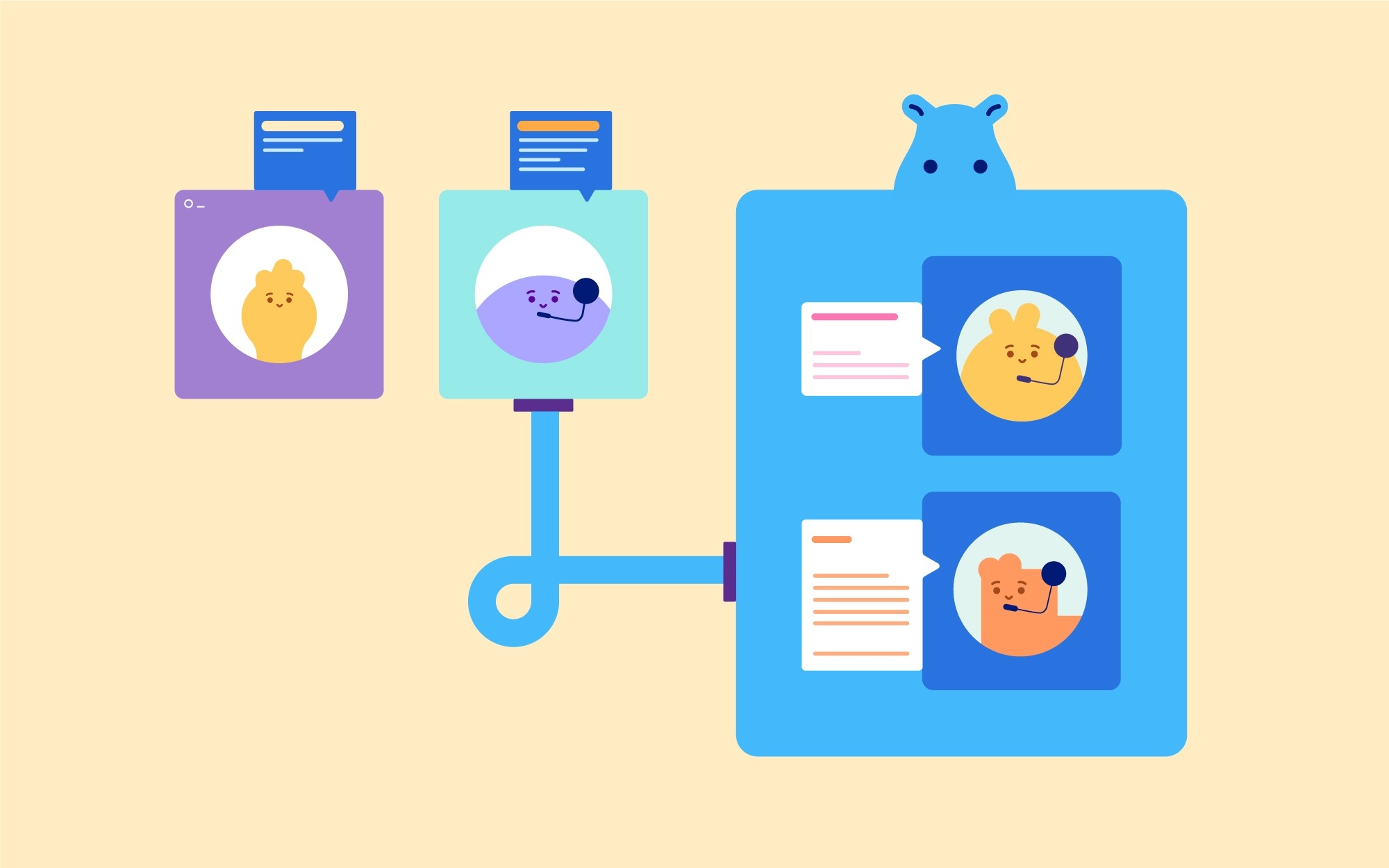
5 Tips On Fostering The Culture Of Collaboration In Customer Service
Customer service is a crucial part of businesses. Your company needs a customer portal that increases efficiency and simplifies the work of support teams.

Trello
How to Use Trello for Your Ecommerce Business
With Hipporello's client portal, receive online requests and product orders and track them in Trello easily. Change the way you do ecommerce.

What's New
Introducing Improvements in Automation and Email Consent
In this release (1.4.0), we have made some improvements, changes, and bug fixes in automations and email consent settings.

What's New
Introducing E-signature, Cookie Consent Banner and More
In this release (1.3.0), we have made some improvements, changes, and bug fixes about e-signatures, cookie consent mechanism, and email attachments.
Trello
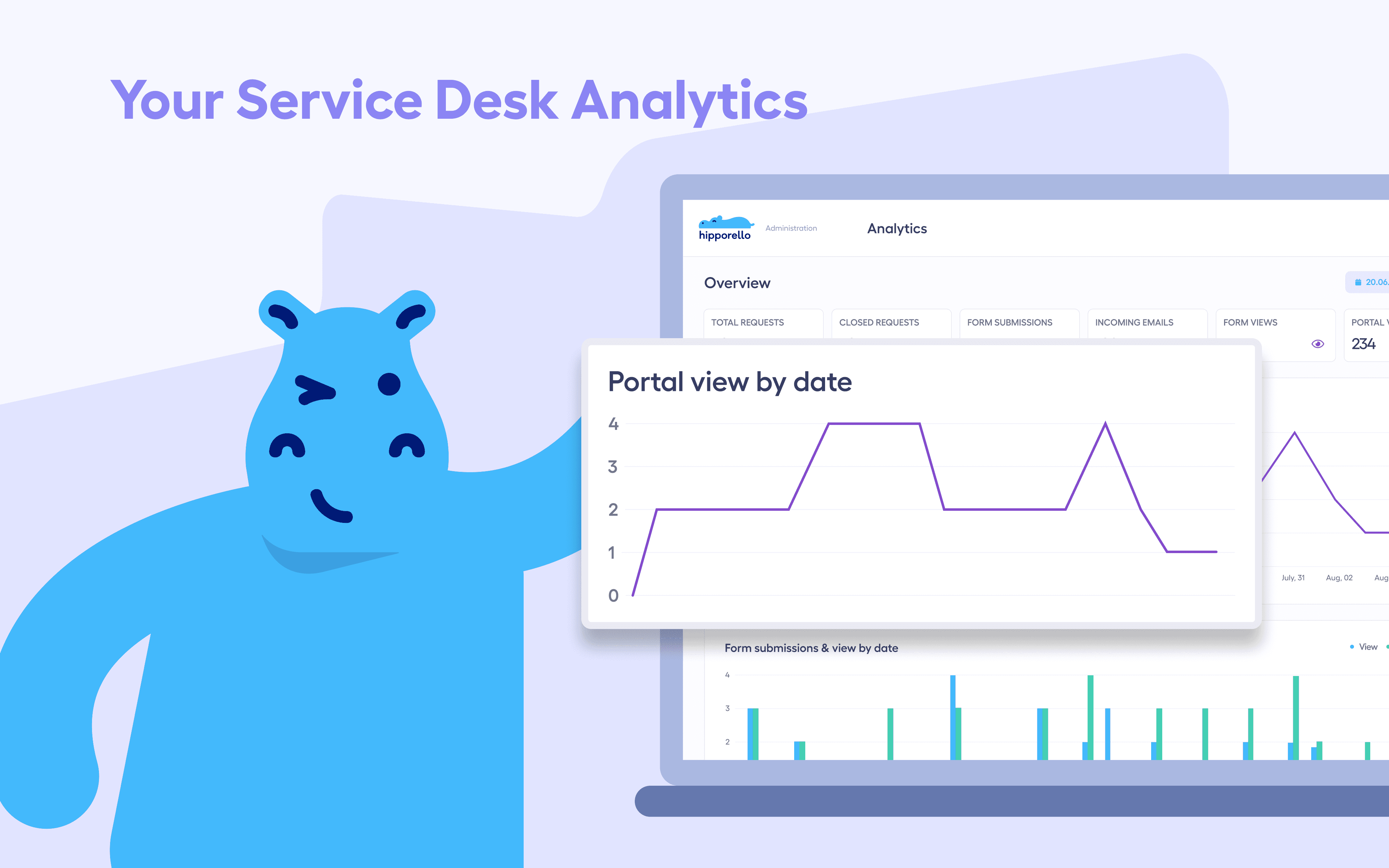
Meet Performance Analytics for Trello Service Desk
With the new performance analytics for Hipporello Service Desk, you can have a high-level view of your business and support team on Trello.

Trello
Communicate With Your Clients Over Trello Cards
By bringing emails to Trello board and communicating with the clients directly from Trello, build an effective client communication on Trello.

General
How to Get Your Online Small Business Tools with Hipporello
Hipporello's set of small business tools let you serve online in minutes. Publish your online forms, embed them and receive support requests from customers.

Trello
How to Brand Your Service Desk for Trello and Why
Learn how to apply branding and customize your Service Desk for Trello. Foster the positive association of your brand while providing customer satisfaction.

Trello
Create Online Forms and Receive Submissions on Trello
Build and publish online forms in minutes with Hipporello Service Desk for Trello. No coding needed. Embed forms, manage submissions, and streamline workflows.

Trello
Set Up Your Bug Tracker on Trello in Minutes
Turn your Trello into a bug tracker and use it with the IT department, system users, and supervisors to receive bug reports and fix bigs on time.

Trello
Leave Management Tool on Trello with Hipporello
Trello Power-Ups by Hipporello offer a robust way to manage leave requests for HRs, managers and supervisors on Trello.

Trello
Bug Reporting and Bug Tracking for Trello: How to Use it as an Issue Tracker
Track and report bugs easily on Trello. Assign issues to team members and start with the Trello bug-tracking template or create your own.

Trello
Manage All Customer Relations Entirely Inside Trello
Our Service Desk allows you to handle your customer relations from A to Z, entirely inside your trusty Trello board! Start with the Customer Support Template.

Trello
Move Your Old Email-based Contact Form to Trello with Hipporello
With Hipporello's Service Desk, you can have an online Contact Form that automatically integrates with Trello and allows you to get form fills as cards.

Trello
The Simplest Way to Link Email to Trello: Your Board as a Shared Inbox
Turn Trello into a shared inbox for seamless email management. Simplify workflows and enhance team productivity with E-mail Trello features.

Trello
Hipporello Power-Up: A Service Desk Solution for Trello Users
Hipporello connects your customers and employees to support, IT & business teams by creating Trello cards via online forms on a client portal and emails.